Payment
PromptPay and bank slip in one verified flow.
What it does
Members pay the way Thai clubs already pay — PromptPay QR or bank transfer with a slip. The Payment module unifies both behind one flow so the member doesn’t pick a method by jargon, and the admin doesn’t reconcile across two systems.
Key features
- PromptPay QR — Generated per order with the right amount baked in.
- Bank transfer with auto-verification — Members upload their slip; SlipOK reads and verifies it automatically against your bank account.
- One order, one status — Regardless of method, the member sees a single “paid / pending / failed” state.
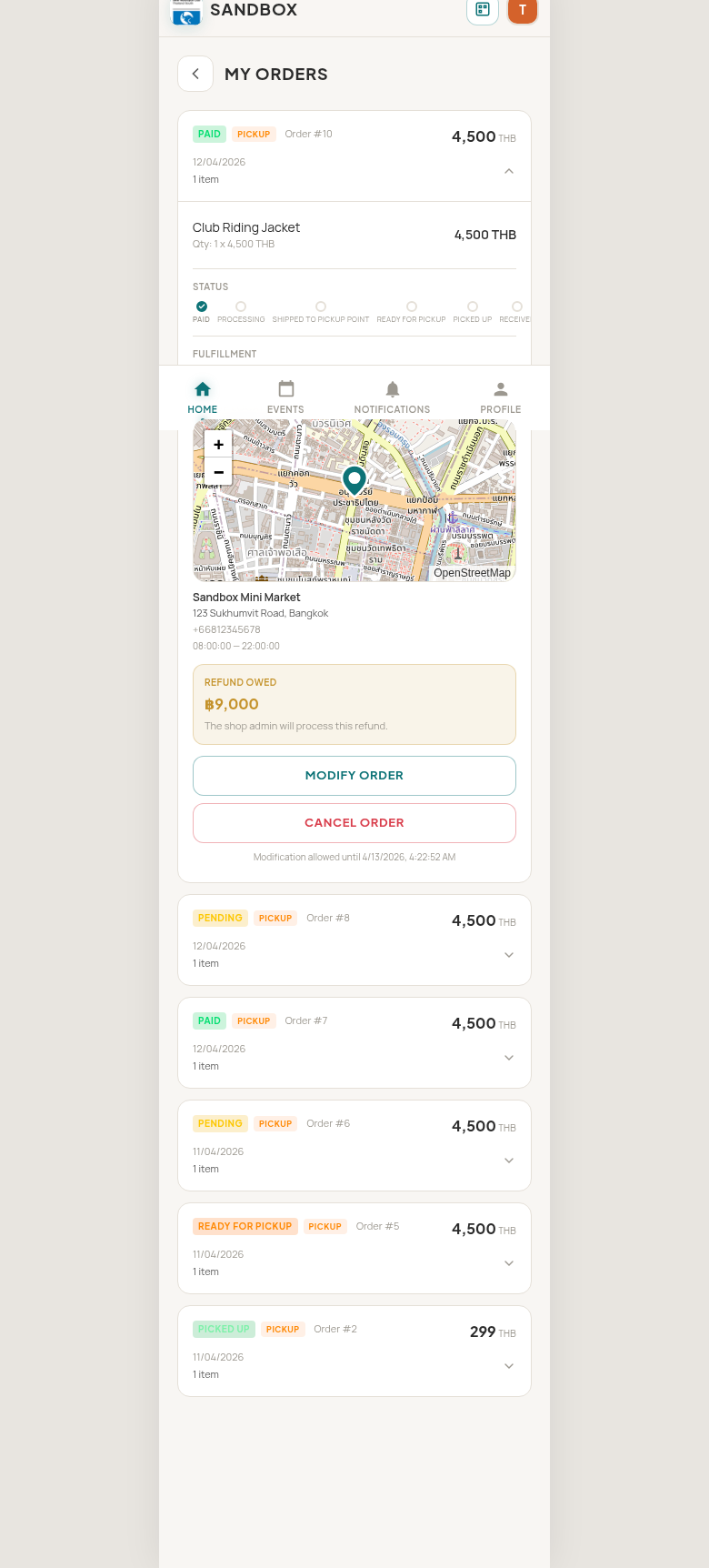
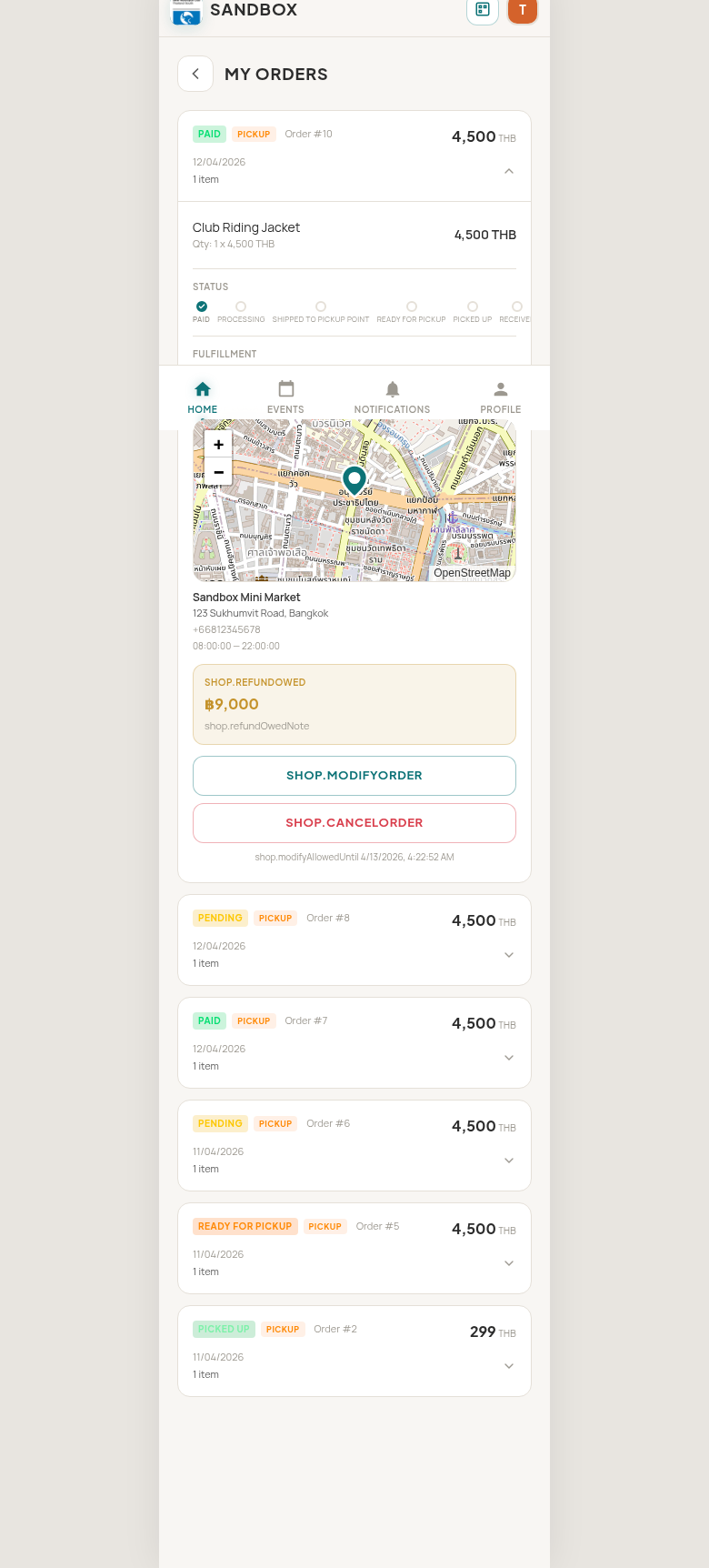
- Refunds in the same flow — Refunds owed are surfaced on the member’s order screen, not in a back channel.
- Receipts — A Thai tax-invoice-compliant receipt is generated and stored against the order; the member can download it any time.
How it works
The member places an order — for an event, a shop item, dues, anything billable — and lands on a payment screen. They pick PromptPay or bank transfer. The flow handles the rest: QR code or slip upload. As soon as payment lands and verifies, the order updates and the member moves on.
Behind the scenes, every payment is attached to the order it belongs to. The admin sees revenue per module, per event, per cycle, with no spreadsheet stitching. When something goes wrong — a wrong amount, a duplicate transfer, a refund — the resolution stays attached to the same order.
No credit cards. We deliberately don’t process card payments. PromptPay + bank transfer keeps fees out of your members’ pockets and out of yours.